Share files with a link, sharper memory, and live updates on what you hand off during calls
File sharing
- Tap Share in a file preview to create a link that expires after 1 day, 7 days, 30 days, or never.
- You can stop sharing at any time, and every link you've shared is listed under Settings › Privacy › Shared files.
- In the app, attachments now open inside Gedo.
Memory
- A new Reference past chats setting (Settings › Privacy, on by default) lets Gedo bring back relevant passages from your other chats when it answers.
- It also keeps better track of changed preferences, details at the end of long messages, and dates like "last Wednesday."
- Spending, health data, and trips you mention in chat become record suggestions for you to confirm.
Memory page
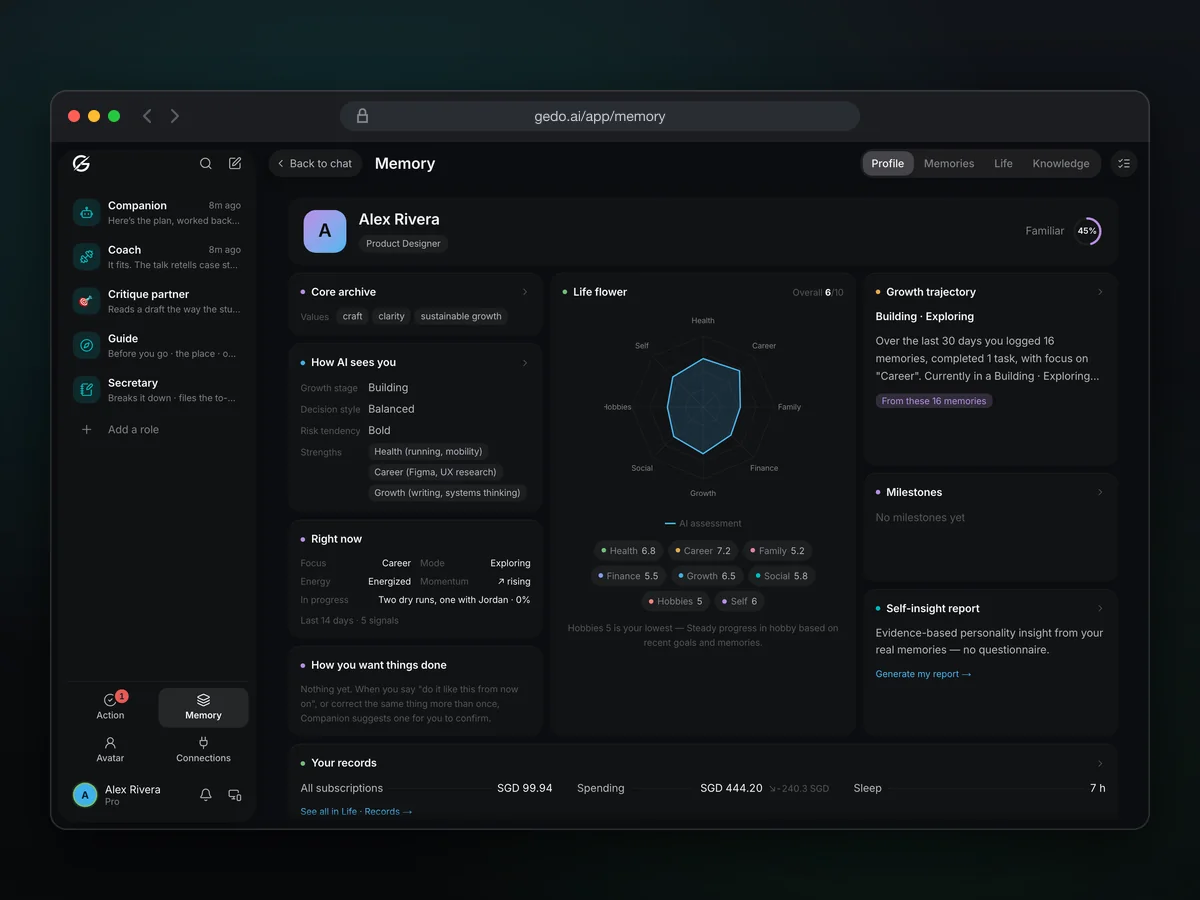
- A new Unconfirmed & rarely used view shows memories the AI already uses but you haven't confirmed, along with ones that rarely come up, so you can review and accept them.
- Cognition tree mastery no longer stalls at 93%, and opening a domain no longer shows a blank panel.
- On the memory wall, drag a card onto another and hold to merge them.
Calls
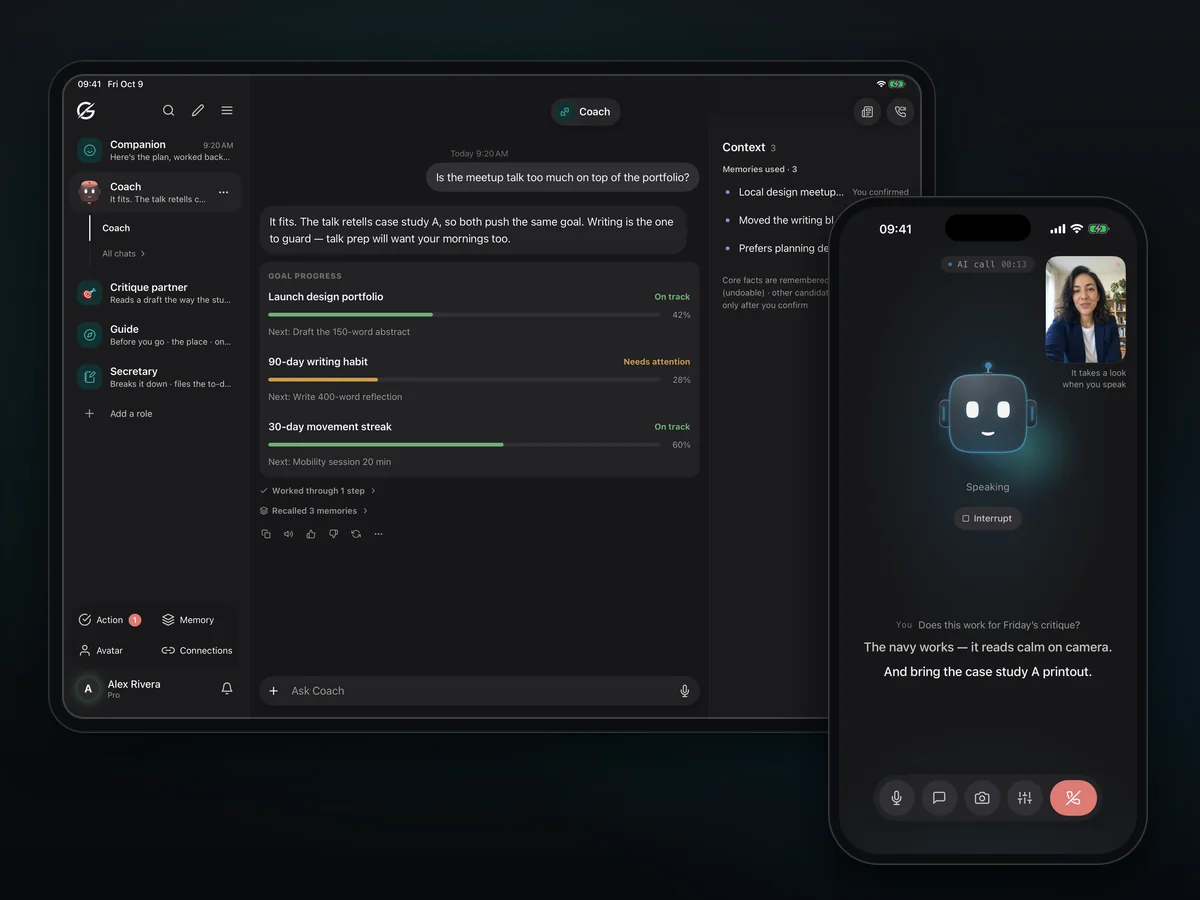
When you hand Gedo something to do during a call, its progress, any questions for you, and the result appear live on the call screen, and several tasks can run side by side.
Chat
When another chat finishes replying or a background task completes, it no longer takes over the screen you're on.
Read aloud now uses Gedo's own voice, the same one you hear on calls.
Import and connections
- Memory import now supports Claude Code and Codex.
- Coding sessions on your computer are cleaned up in your browser and reviewed piece by piece before upload, and they're used only to suggest memories.
- Connected AIs now get a short introduction to you at the start, within the sharing scope you've set.
Avatar and First meeting
Setting up your avatar now walks you through an introduction, three steps, and a launch page, with visitor calls and phone calls included.
First meeting is shorter, imports now include social platforms (X, LinkedIn, Facebook export, and blog links), and you can pick more than one answer for what you're working on.
Website
- Download is back in the navigation and gives you the right install for your device: the Mac app, the App Store, or Google Play, with the web app for everything else.
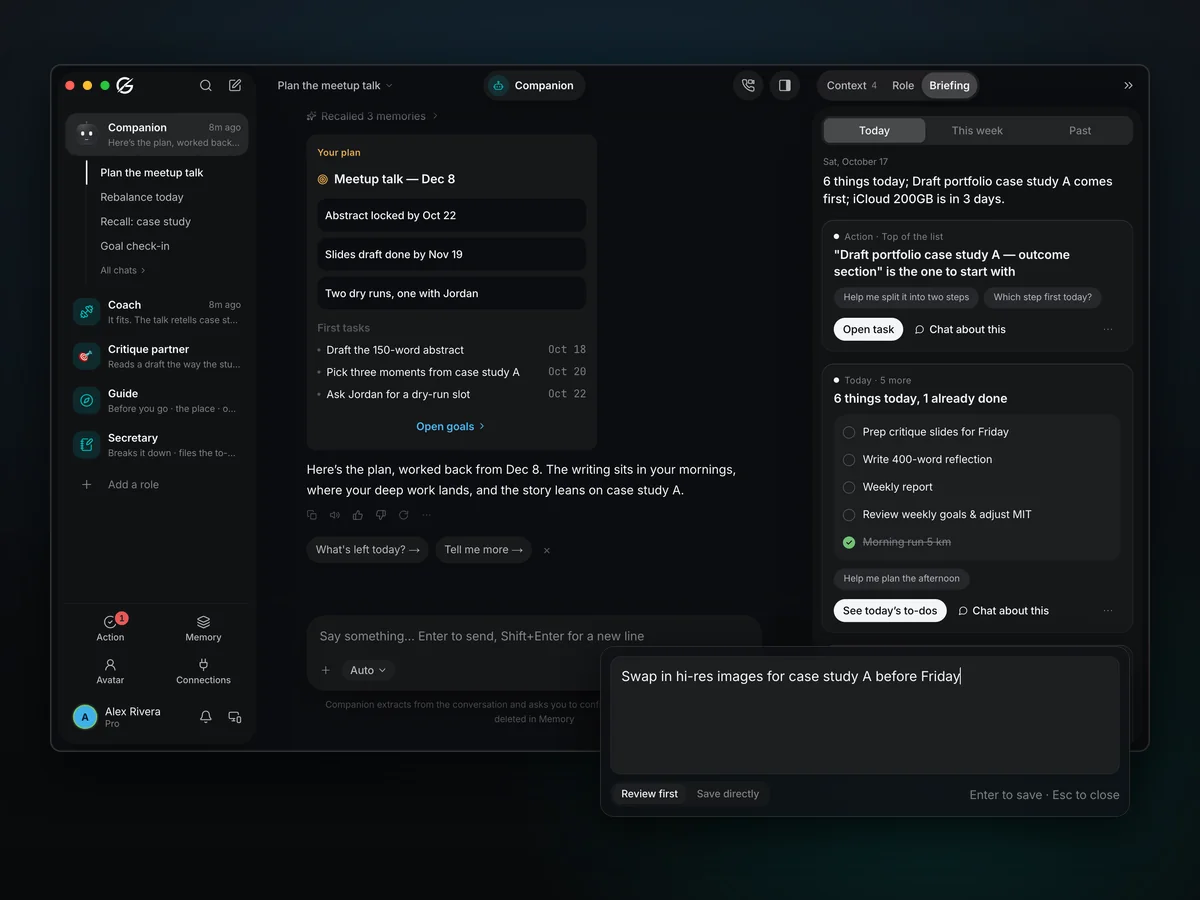
- The download page now shows the real interface, and Apple Watch is listed as available.
- The blog now publishes research articles.
Fixes
Weekly and monthly reviews no longer fall back to a template, the nightly memory cleanup works again, and occasional service outages have been fixed.
Other
Evaluation and tuning of memory search, stability and deployment improvements, and groundwork for upcoming features.
The real interface on the download page